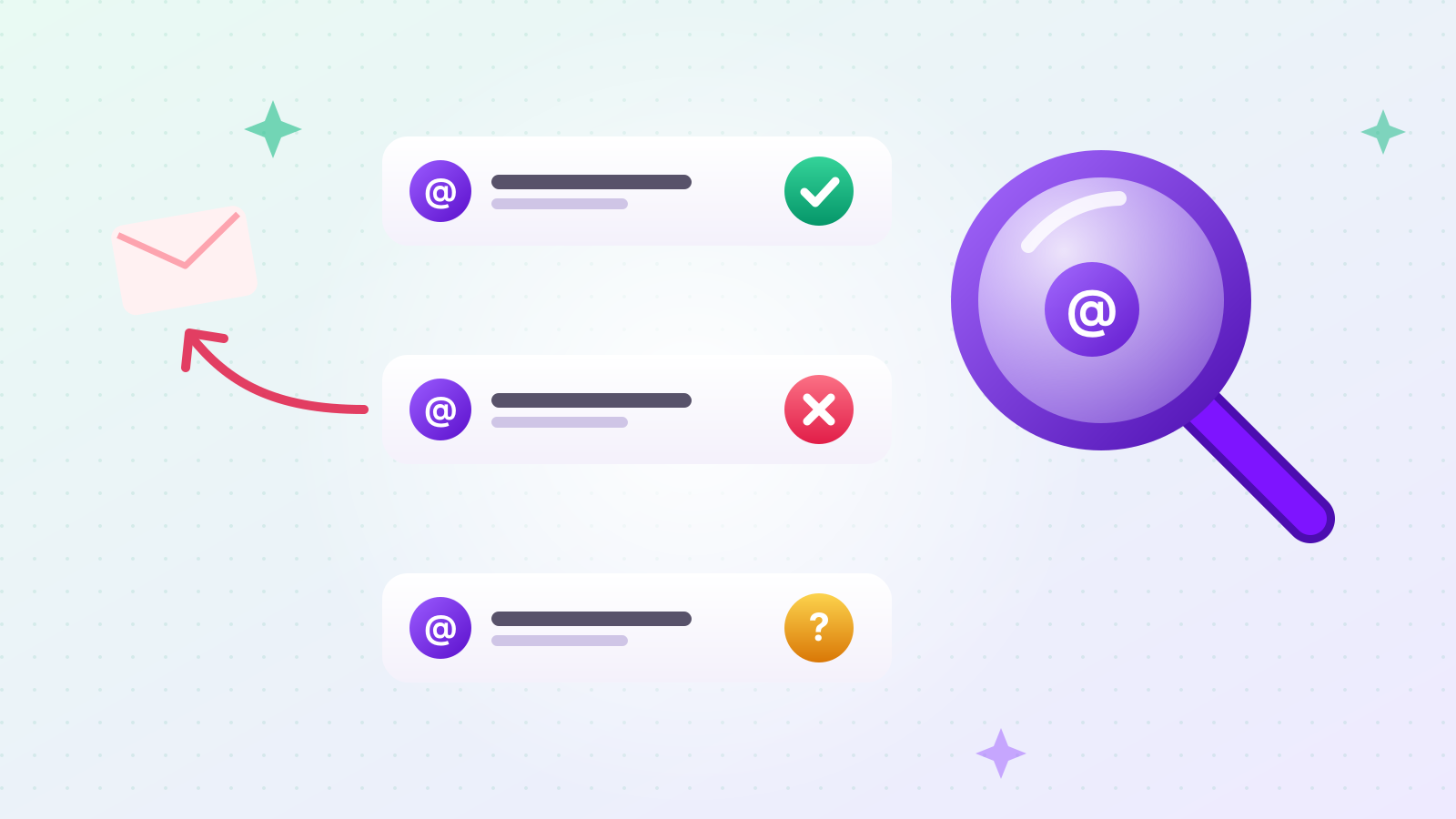
Outreach is a B2B lead generation and outreach tool. You type an industry keyword, choose a region, and it collects matching businesses with their email addresses, phone numbers and Instagram handles. Then you send emails from your own Gmail and Instagram DMs from the same list.
That description fits a lot of people on paper. In practice, it fits some much better than others. This post describes the five kinds of sellers we (Outreach) built it for, with a concrete scenario for each, and ends with the situations where another tool would serve you better.
The scenarios are examples to show how the tool is used, not customer stories. If you want the step-by-step walkthrough instead, read how to build a B2B lead list and send cold emails from one keyword.
What kind of business is Outreach built for?
Anyone who sells to other businesses and has to find those businesses themselves. If your next customer is a shop, a clinic, a restaurant, a studio or a distributor — and you don't already have their contact details — Outreach is built for you.
The common thread is the work that comes before selling. Someone has to find the businesses, visit their websites, copy the email and phone number into a spreadsheet, check the addresses, and only then write the first message. Done by hand, that takes about 1–2 minutes per business, so a list of 300 businesses costs 5–10 hours before a single email goes out. Outreach does that part for you and hands you a list you can send to right away.
Is Outreach a good fit for a solo founder without a sales team?
Yes — this is the person we had in mind first. A founder who sells to businesses usually does sales in the gaps between everything else, and the gaps are too short for hours of list-building.
Picture a founder who has built booking software for hair salons. She knows exactly who her customer is: independent salons in two or three cities. What she doesn't have is a list, or a spare week to build one.
With Outreach, she creates one project, types "hair salon" with each city, sets Email to Required so every business on the list has an address, and starts collecting. While it runs, she writes one short email that names the salon automatically. The next morning she sends it from her own Gmail. Outreach sends one email, waits about 10 minutes, and sends the next, so she can get on with her day.
When salons don't reply, the "Automatic follow-up emails" menu sends a second, shorter message after the number of days she sets, and only to salons that haven't replied. For more on how solo founders can build lists, see 4 ways to find B2B contacts as a solo founder.
How can a manufacturer or wholesaler find new stockists?
Search by the type of shop that should carry your product, in the regions you can deliver to, and require the contact detail you plan to use. Outreach turns "who could stock this?" into a list of real shops with contact details.
Take a small coffee roaster that wholesales beans. The best stockists are independent cafés, bakeries and specialty food shops within its delivery area. The roaster creates a project with three keywords — "independent café", "bakery café", "specialty food shop" — and picks the regions it delivers to.
A few things make this easier:
- Several keywords per project. Shops describe themselves in different ways, and each name finds different shops. A preview box shows the exact search phrases before anything runs.
- A target count per keyword, so one popular keyword doesn't crowd out the rest.
- Filtering that isn't your job. News articles, list sites, government offices and associations are removed, so your list is shops, not pages about shops.
- Excel download if a sales rep wants to work the list by phone. Phone numbers are collected alongside emails when you choose them.
How can a brand expanding abroad find its first buyers?
Pick the country and the state or region, type what your buyers are called in that market, and Outreach keeps only businesses whose location is confirmed. You can collect businesses in 193 countries.
Imagine a Korean skincare brand that wants its first stockists in Germany. It picks Germany, then one state, and adds keywords such as "Kosmetikstudio" and "Naturkosmetik". Outreach collects matching businesses and saves only those it can confirm are in that state, so the list doesn't fill up with businesses from the other end of the country.
There's also a "Korean-owned businesses only" option under Overseas. It's for sellers whose first customers abroad are Korean-owned shops, restaurants and offices — often the easiest first door into a new market because the conversation can happen in Korean. We used this for a real project that collected 305 Korean-owned businesses in the US; the details are in how to build a list of Korean-owned businesses in the US. The full overseas walkthrough is in how to find overseas buyers by country and region.
Can you use Outreach to find partners on Instagram?
Yes. Set Instagram handle to Required, and you get a list of businesses that are active on Instagram, which you can then DM from the same screen. For shops that run their business through Instagram, a DM can be the most direct way in.
Say a handmade candle brand wants to be stocked by gift shops and concept stores. Many of those shops show their products on Instagram, so a DM reaches them where they already work. The brand creates a project for "gift shop" and "concept store" in its target cities, sets Instagram handle to Required, and collects.
To send the DMs, it uses the Outreach Chrome extension. The extension isn't in the Chrome Web Store: you download it from our website and install it yourself in Chrome, which takes a couple of minutes once. After that, DMs go out from the project's Send step, with the business name filled in for each message. Each DM costs 3 credits, and a DM that fails to send is refunded.
If a shop has both an email and an Instagram handle, you can contact it both ways and see which one gets answered.
Can an agency build lead lists for its clients?
Yes. Keep each client in its own project, run collections with that client's keywords and regions, and download the result to Excel. The cost line shows the maximum credits before each run, which makes it easy to quote a client.
A marketing agency that offers lead generation to small B2B clients might run a project for a flooring installer one week and an accounting firm the next. Each project keeps its own keywords, contact settings, results and send history, so client lists never mix.
Agencies can hand over the spreadsheet, or run the outreach themselves from the same project: write the message, send from a connected Gmail, and use the project's results view to report how many businesses were collected, how many were emailed, and how many replied.
How does pricing work if you only need a small list?
You pay per contact detail found, and there's no monthly subscription. That makes a small first list cheap, and you never pay for months you don't use.
| What | Cost |
|---|---|
| Each contact detail found (email, phone number or Instagram handle) | 1 credit |
| Details a business doesn't have | Nothing |
| Each email sent | 2 credits |
| Each Instagram DM sent | 3 credits |
| A send that isn't delivered | Credits refunded |
| New account | 100 credits free |
So a business with an email and a phone number costs 1 credit per detail, 2 credits in total. Before collection starts, a cost line shows the most the run could use — for example, up to 200 businesses with 3 details each is at most 600 credits — and your balance. The real cost is usually lower, because missing details aren't charged.
When you need more, you buy a credit pack. Larger packs lower the price per credit. There's no plan to cancel.
When is Outreach not the right tool?
When your customers are consumers, when you need a named executive at a large company, or when you need an English interface today. It's better to know that before you sign up.
- You sell to consumers, not businesses. Outreach finds businesses and the contact details they publish. It doesn't find individual people.
- You need a specific decision-maker's personal address. Outreach collects the contact details a business puts on its own website and profiles, which is often a general inbox. That's ideal for small and mid-sized businesses where the owner reads that inbox, and less useful for reaching one named executive at a large enterprise.
- You need thousands of emails out today. Outreach sends one email at a time, about 10 minutes apart by default. It's built for steady, personal-looking outreach, not same-day mass mailing.
- Your target businesses rarely publish contact details. Some kinds of local businesses take bookings only by phone and list no email. Setting Email to Required will then give you a short list. Collecting phone numbers instead, or targeting a different kind of business, works better.
- You need an English interface. The interface is currently in Korean. Your browser's translate feature can help, and our step-by-step walkthrough explains the main screens in English — but if you need a fully English product today, that's a real limitation.
How do you try it?
Create a free account, run one small project with your 100 free credits, and look at the list before you spend anything. A single keyword, a single region and a target of about 30 businesses is enough to see what Outreach finds in your industry.
- Sign up for free.
- Create a project and type one keyword.
- Choose which contact details you need, and check the cost line.
- Start collecting, then look through the results table.
If you plan to send email, check two things before your first send: that your sending domain is set up correctly with our free checker for sender settings, and that the addresses you already have are real with our free email checker. Both work without an account; their interfaces are currently in Korean.