When you're the only person doing sales, the first wall isn't your pitch. It's the question "who do I send it to?" You have a product and something to say, but no list of businesses to say it to.
There are four realistic ways to find B2B contacts: search for them one by one, use a directory, buy a list, or use a tool. This post compares them the way a solo founder actually has to — how many hours each one costs and where each one breaks down. The numbers come from our own measurements at Outreach, not from industry surveys.
How long does it take to find business contacts by searching manually?
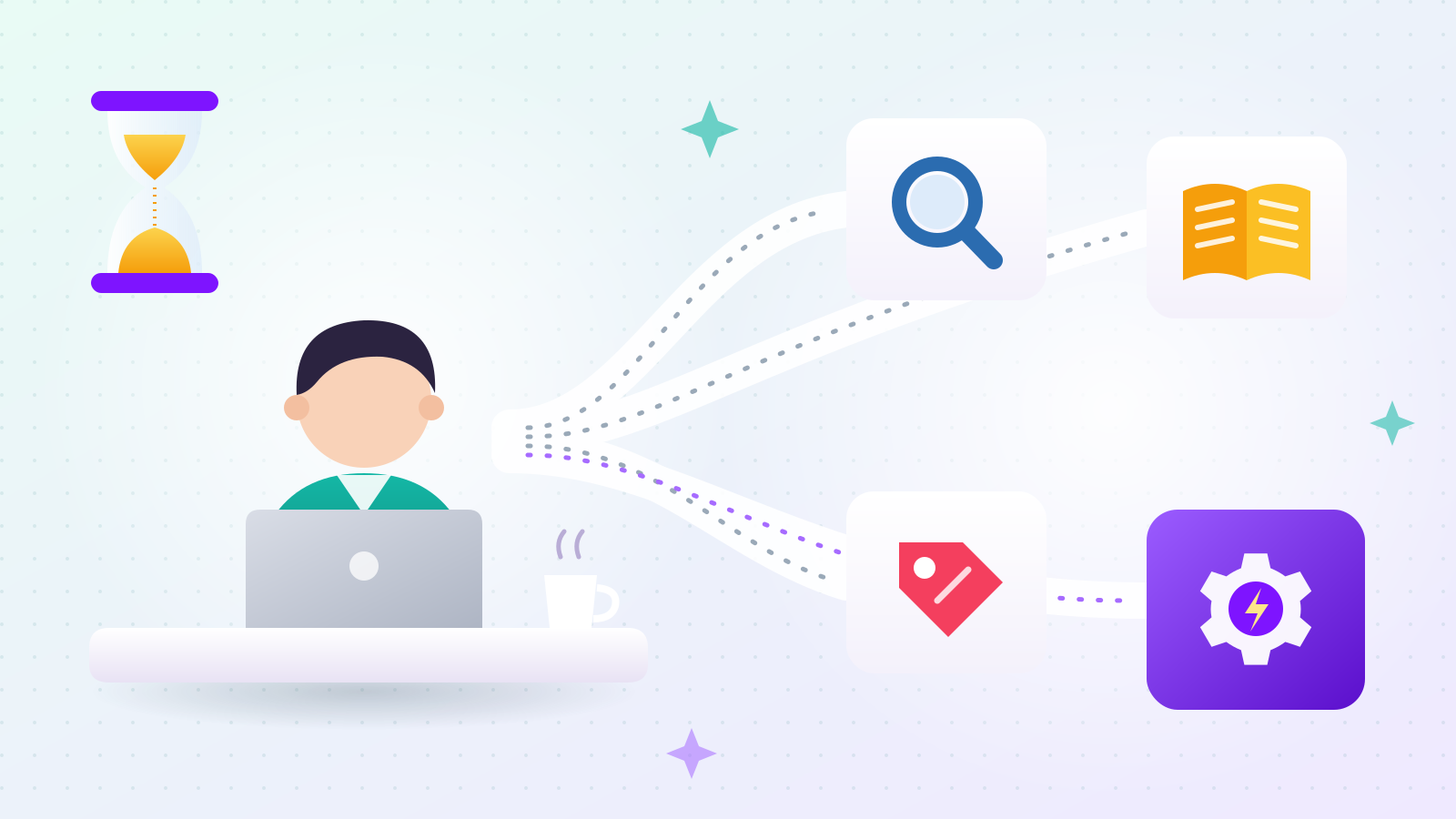
About 1 to 2 minutes per business, so 300 businesses take 5 to 10 hours. That's before you spend any time deciding whether each result is actually the kind of business you want.
Here's where that estimate comes from. Our software takes 14.9 seconds on average to visit a business website and find its contact details. A person has to load the page, find the contact menu, copy the details into a spreadsheet, and go back to the search results. Add the judgment call — "is this the right industry?" — and 1 to 2 minutes per business is realistic.
Time isn't the only cost. Many search results aren't businesses at all. When we reviewed the results for a Korean-language search for cleaning companies in Incheon, we found news articles, directory sites listing many companies on one page, government offices, and trade associations mixed in. In one batch, only 17 of 30 results turned out to be actual businesses.
And contact details often aren't on the home page. When we tested on German businesses, checking only the home page found an email for 10 of 24 businesses. Once we also checked the Contact and About pages, that rose to 16 of 24 (67%). If you search by hand and give up after the home page, you miss a big share of reachable businesses.
Manual search works when you need 20 contacts. It stops working when you need 300.
Are business directories and association lists a better source?
Yes, when a well-organized directory exists for your market — it's the fastest route. One Korean-American business directory we checked listed 13,609 businesses by region and category.
Two catches.
First, being listed doesn't mean the business matches. In that same Korean community directory we found a Japanese restaurant chain and a branch of a large US financial company. They registered to reach Korean customers; they aren't Korean-run. Whatever directory you use, you still need your own rule for what counts as a match.
Second, directories rarely include email addresses. When we processed 229 Korean restaurants in Georgia from a directory, only 4 had a usable email. Restaurants take bookings by phone; they don't publish emails. So you end up visiting each website anyway.
We wrote up the full directory process in how to build a B2B list of Korean-owned businesses in the US.
Should you buy a B2B contact list?
You can, but check two things first: when the data was collected, and whether it actually matches your target. Both determine whether the list helps or hurts you.
Freshness. Business contact data decays. Shops close, staff change, and addresses stop working. Sending to dead addresses produces bounces, and when bounces pile up, mailbox providers read it as a sender who doesn't maintain their list. At that point even your emails to valid addresses can land in spam. A list with no collection date is a list you can't evaluate.
Fit. Bought lists also tend to come in broad chunks ("1,000 manufacturers"). If your target is "interior contractors in one state that publish an email," a pre-made list rarely matches.
What should you look for in a B2B contact-finding tool?
Check three things: whether you pay for data that wasn't found, whether addresses are verified, and whether non-businesses are filtered out. Then test the tool on an industry that isn't yours.
1. Do you pay for missing data? If a tool charges per business, you pay the same for a business with no email as for one with a verified email. Outreach charges per contact detail actually found — each email, phone number, or Instagram handle counts separately — and nothing for details it couldn't find.
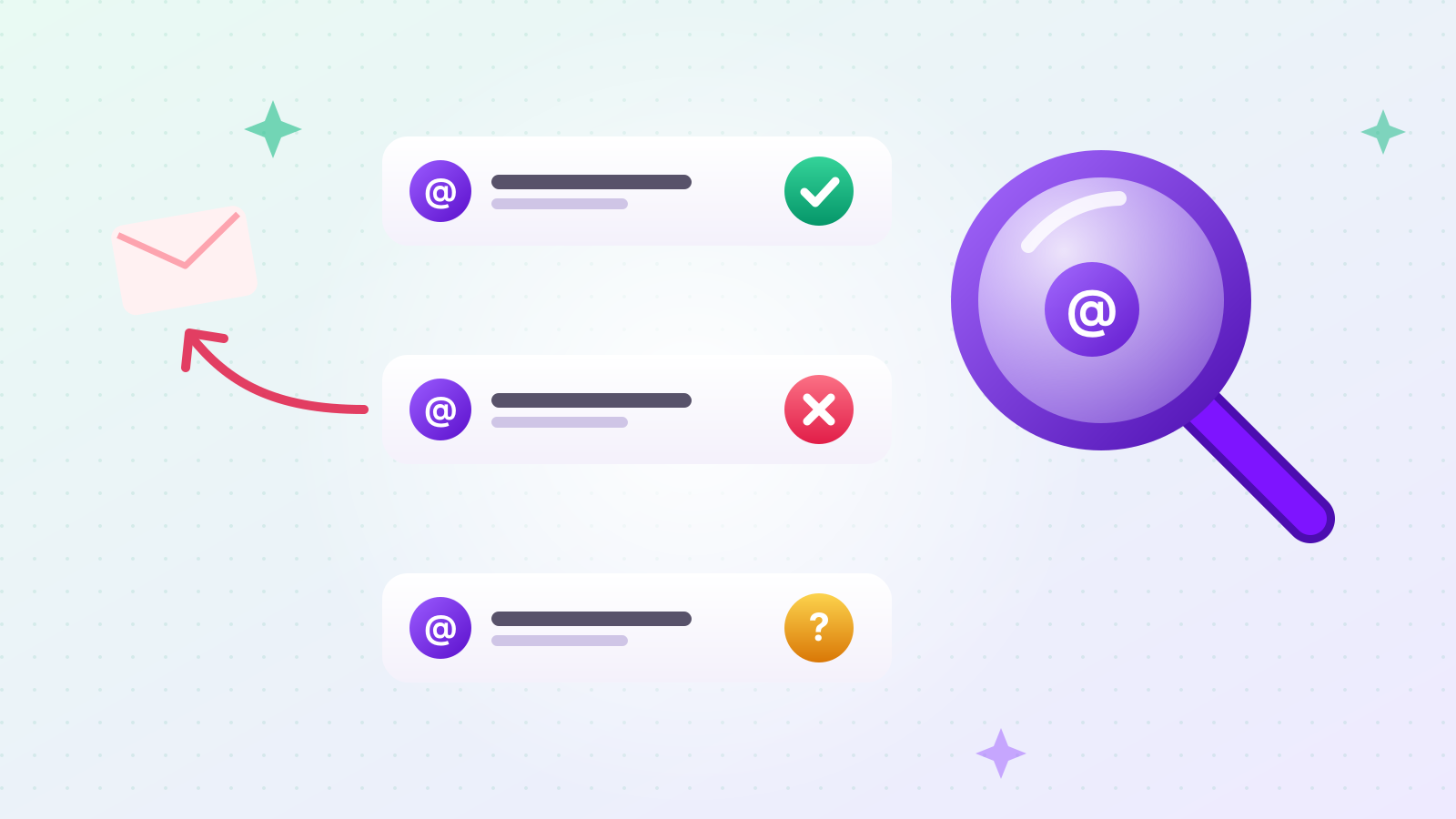
2. Are addresses verified? Because of the bounce problem above, a tool should check with the recipient's mail server whether an address exists before you send. You can try this yourself with our free email address checker, which asks the server without sending any email. The method and its limits are explained in how to check whether an email address exists.
3. Does it filter out non-businesses? News articles, listing sites, and government pages that slip into your list waste emails and credits.
4. Does it work outside the industry it was demoed on? Filtering rules that work in one industry often fail in another. In our own testing, after several rounds of tuning on dental offices and real estate, the defect rate was 3.3%. Switching to chiropractors and insurance agents pushed it to 27%. Run any tool once on a completely different industry — it's the cheapest honest test there is.
Who can't you find with any of these methods?
People who don't have a business yet. Aspiring founders and people preparing to launch have no website and no directory listing, so there's nothing public to collect.
To reach them you need a different channel: startup programs, founder communities, or event attendee lists where people have chosen to take part. A contact-finding tool — ours included — can't do this.
Individual consumers (B2C) are also out of scope. All four methods above assume contact details that a business has published so people can reach it.
How many emails should you send per day once you have a list?
There's no official safe number — it depends on your account's history. A mailbox that sent 5 emails yesterday and 300 today looks unusual to the receiving side, whatever the content.
The common misconception is that daily volume is what gets you blocked. The real line is the spam complaint rate. Google's sender guidelines say to keep it below 0.3% (and ideally below 0.1%). Send 300 emails, get one spam report, and you're at 0.33%.
Google's other published number is the Gmail sending limit of 500 emails a day. Going over it pauses sending for 1 to 24 hours; it doesn't close your account.
Everything else — "30 a day," warm-up schedules by account age — has no official source. The details are in why cold emails land in spam.
A solo founder's order of operations
- Narrow your target. "Small businesses" is too broad to search. "Butcher shops in one state" is searchable.
- Look for an organized directory first. If one exists for your market, it beats search.
- If not, search — and check contact pages, not just home pages. The home page alone misses a big share.
- Verify addresses before sending. Bounces drag down delivery of everything else.
- Check your sending domain. Run the free sender domain checker for SPF, DKIM, and DMARC.
- Start small. Increase daily volume gradually on a new mailbox.
- Judge by replies. A reply is the clearest signal that a list and message work. For message structure, see B2B cold email templates.
How does Outreach fit into this?
Outreach automates steps 2 through 4. You enter keywords and a region, and it finds matching businesses, collects their emails, phone numbers, and Instagram handles, filters out non-businesses, and checks addresses before saving them. You can then send emails and Instagram DMs from the same place.
In practice it's four steps on one project screen. First, choose domestic or international, pick the country and region, type your industry keywords, and set a target count. Second, choose which details you want — email, phone number, Instagram handle — and mark each one as not needed, nice to have, or required; the screen shows the maximum credits the run can use and your balance before you start. Third, review the results table, where each business sits on one row with its name, contact details, and where it was found, and download it as a spreadsheet if you like. Fourth, write your message and send. Emails go out from your own connected Gmail, one at a time with a pause of about 10 minutes between them, and Instagram DMs go through a Chrome extension you download from our site and install yourself.
You're charged only for contact details found, and new accounts get free credits on signup so you can try it on your own market first. For how the collection process works under the hood, read how to collect B2B contact data automatically.