Search for cold email deliverability advice and you'll find confident rules: "30 emails a day is safe," "Gmail bans you if you go over the limit," "one block and your domain is done."
When we (Outreach) checked Google's and Yahoo's own documentation, most of those rules had no official source. A few numbers are real and published. Most are folklore — or real numbers copied into the wrong context.
This post covers what the mailbox providers actually require, which number really gets senders into trouble, and what to fix first. Every figure below links to the official page it comes from.
What is the one spam number Google actually publishes?
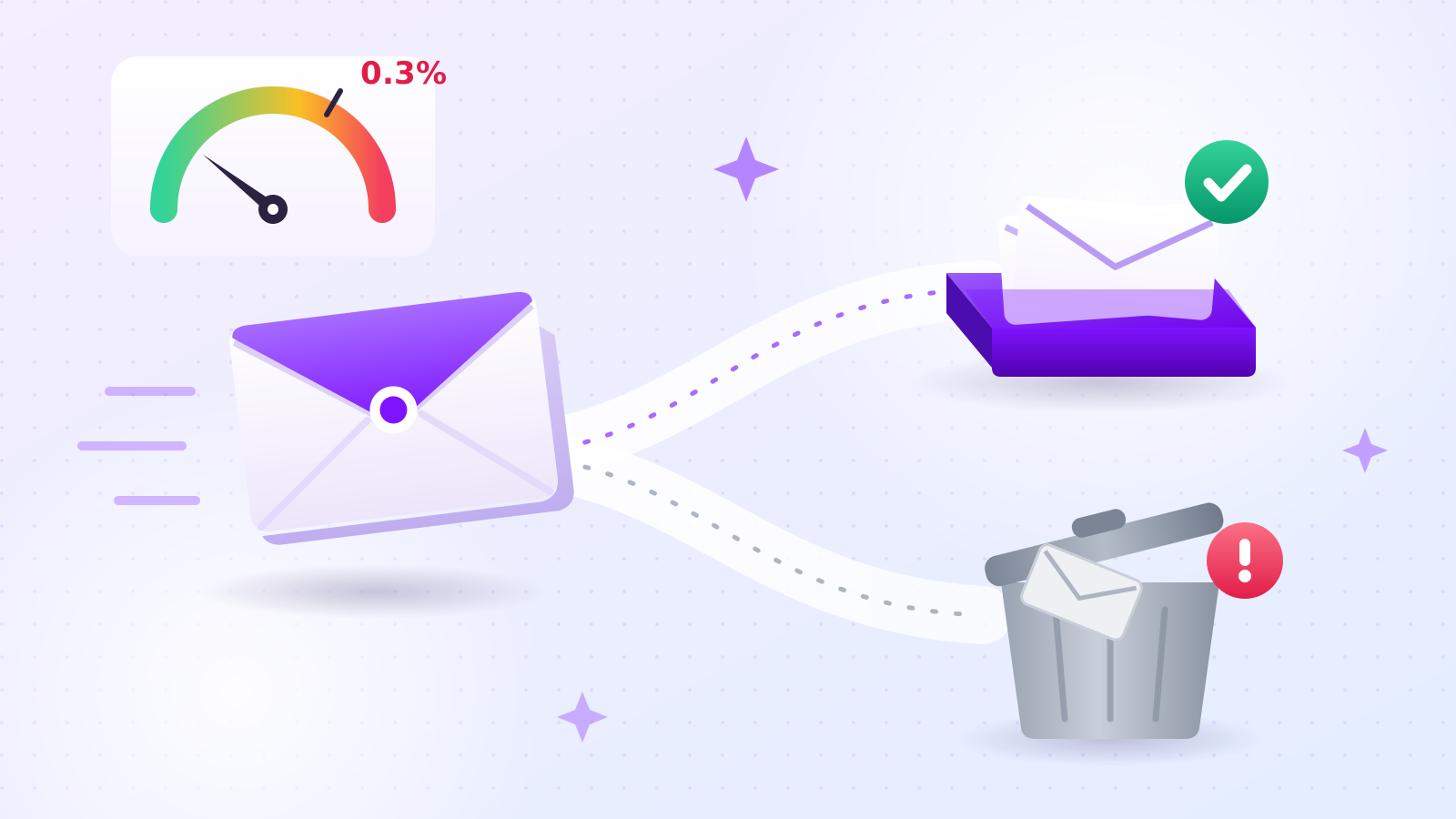
Keep your spam complaint rate below 0.3%. Google's email sender guidelines say to keep spam rates reported in Postmaster Tools "below 0.10% and avoid ever reaching a spam rate of 0.30% or higher." That's the only sending threshold Google publishes as a rule for all senders.
Yahoo sets the same line. Its sender best practices say: "Keep your spam rate below 0.3%."
Now convert that into real messages. Send 300 emails, get one spam report, and you're at 0.33% — already over the line.
That's why volume isn't the trigger; it's the amplifier. Whether you send 40 or 300 emails, what pushes you over is people clicking "Report spam." Sending more just gives more people the chance to do it.
What do Google and Yahoo require from every sender?
Both providers require authentication, valid DNS, standard message formatting, and a low spam rate — from every sender, not just high-volume ones. Google's requirements took effect on February 1, 2024.
| Requirement | Google (all senders) | Yahoo (all senders) |
|---|---|---|
| Authentication | SPF or DKIM | SPF or DKIM at minimum |
| DNS | Valid forward and reverse DNS (PTR) | Valid forward and reverse DNS |
| Spam rate | Below 0.3% (aim for below 0.1%) | Below 0.3% |
| Format | RFC 5322 | RFCs 5321 and 5322 |
| Other | TLS connection; don't impersonate Gmail From: headers | — |
Google also notes that sending to personal Gmail accounts requires a DKIM key of 1024 bits or longer.
If you send from your own domain, you can check SPF, DKIM, and DMARC in a few seconds with our free sender domain checker. Step-by-step setup is in our guide to setting up SPF, DKIM, and DMARC.
When do you count as a bulk sender, and what changes?
You become a bulk sender once you send more than 5,000 messages to personal Gmail accounts in a single day — and Google says that status is permanent. Bulk senders must meet extra requirements on top of the ones above.
From Google's sender guidelines FAQ:
- "Senders who meet the above criteria at least once are permanently considered bulk senders."
- "When we calculate the 5,000-message limit, we count all messages sent from the same primary domain." Several mailboxes on one domain add up.
Extra requirements for bulk senders:
- DMARC set up for the sending domain.
- Alignment: the domain in the From: header must match the SPF domain or the DKIM domain.
- One-click unsubscribe for marketing messages, plus a clearly visible unsubscribe link. Google recommends honoring unsubscribes within 48 hours; Yahoo says within 2 days.
Enforcement is getting stricter. Google's FAQ says: "Starting November 2025, Gmail is ramping up its enforcement on non-compliant traffic," including temporary and permanent rejections.
Most solo cold emailers never reach 5,000 a day. But setting up DMARC and an easy unsubscribe from day one costs little and removes a reason for recipients to hit "Report spam."
Does going over Gmail's daily sending limit get your account banned?
No. A Gmail account can send up to 500 emails a day, and if you go over, Google's sending limits page says "you should be able to send emails again within 1 to 24 hours." It's a temporary pause, not a ban.
This is where many articles mix up two different events:
| What happens | Result |
|---|---|
| You exceed 500 emails in a day | Sending pauses; it lifts on its own within 1–24 hours |
| Spam reports pile up | Deliverability drops and your mail can be limited or rejected — this is what actually hurts senders |
The same page sets a separate limit of 500 recipients in a single email. That's about how many people one message goes to, not how many messages you send per day. Cold emails normally go to one recipient at a time, so it rarely applies.
So how many cold emails a day is safe?
Google has never published a number. Any article that names a "safe" daily volume is stating an opinion, not a Google rule.
What Google does show is that it watches for sudden changes. Its SMTP error reference includes messages like:
421 4.7.28 Gmail has detected an unusual rate of email. To protect our users from spam, email has been temporarily rate limited.
"Unusual" means there's a comparison. Google doesn't say what it compares against, and it doesn't publish the threshold. That's why tables like "a domain this many days old can safely send this many emails" have no official basis.
Because the comparison is about your rate, the safe habit is to avoid sudden jumps: start small and increase gradually. Our product sends one email and then pauses about 10 minutes before the next, instead of sending in bursts.
The only two published numbers are the ones above: 500 emails a day for a Gmail account, and a spam rate under 0.3%.
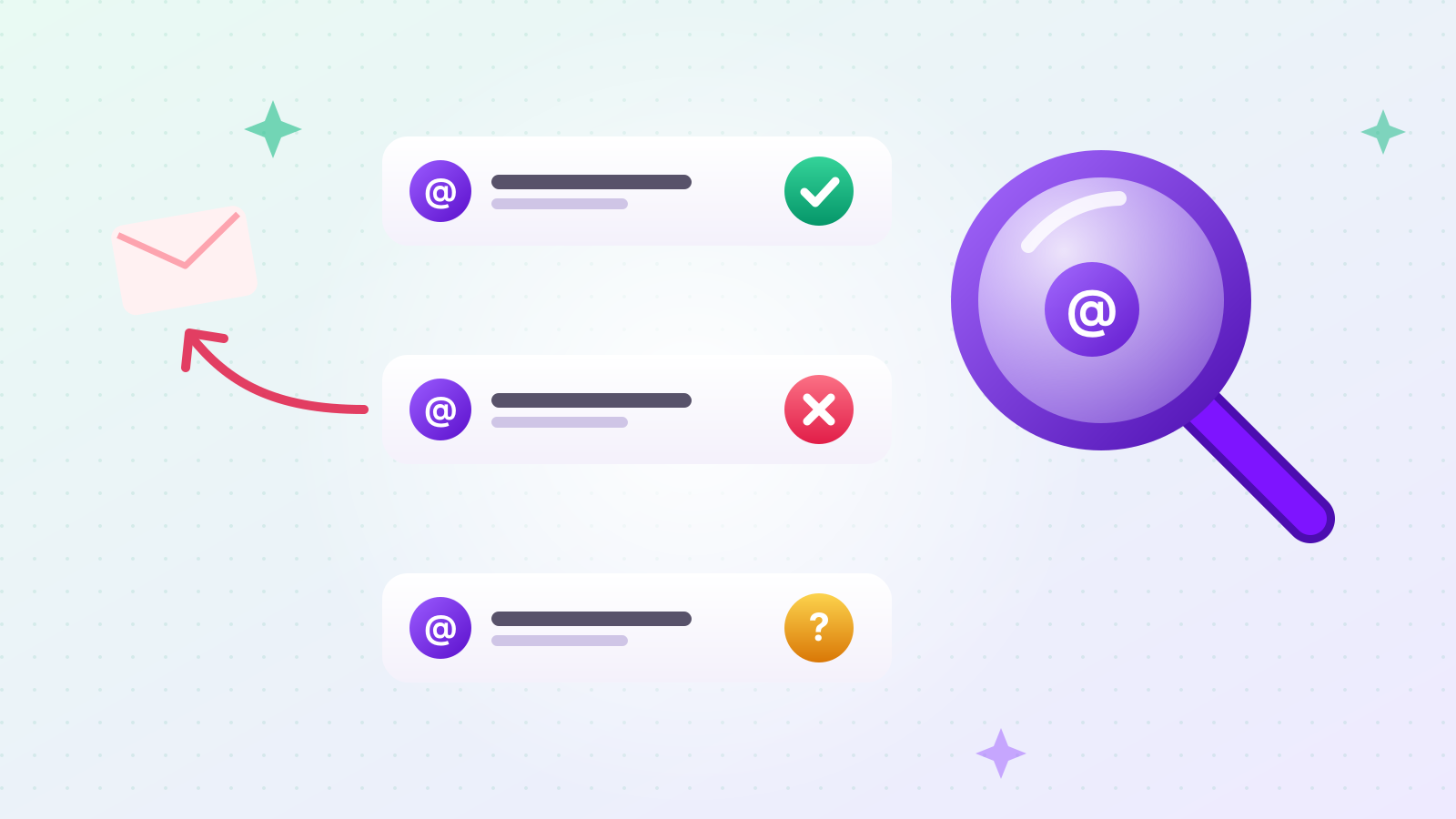
Where can you see your own spam complaint rate?
In Google Postmaster Tools — but only for a domain you own and have verified. If you send from an @gmail.com address, there's no dashboard for you, because you can't verify gmail.com.
Google's Postmaster Tools setup page says the tool "won't display information about your email until your domain is verified." It also warns that data might be missing on days when your volume is too low, to protect user privacy.
This is the most frustrating part of cold email: the threshold is real, but for a small sender the gauge is often blank. If you have a company domain, verify it anyway. On days with enough volume you'll see your actual spam rate and authentication results instead of guessing.
What should you fix first to keep cold email out of spam?
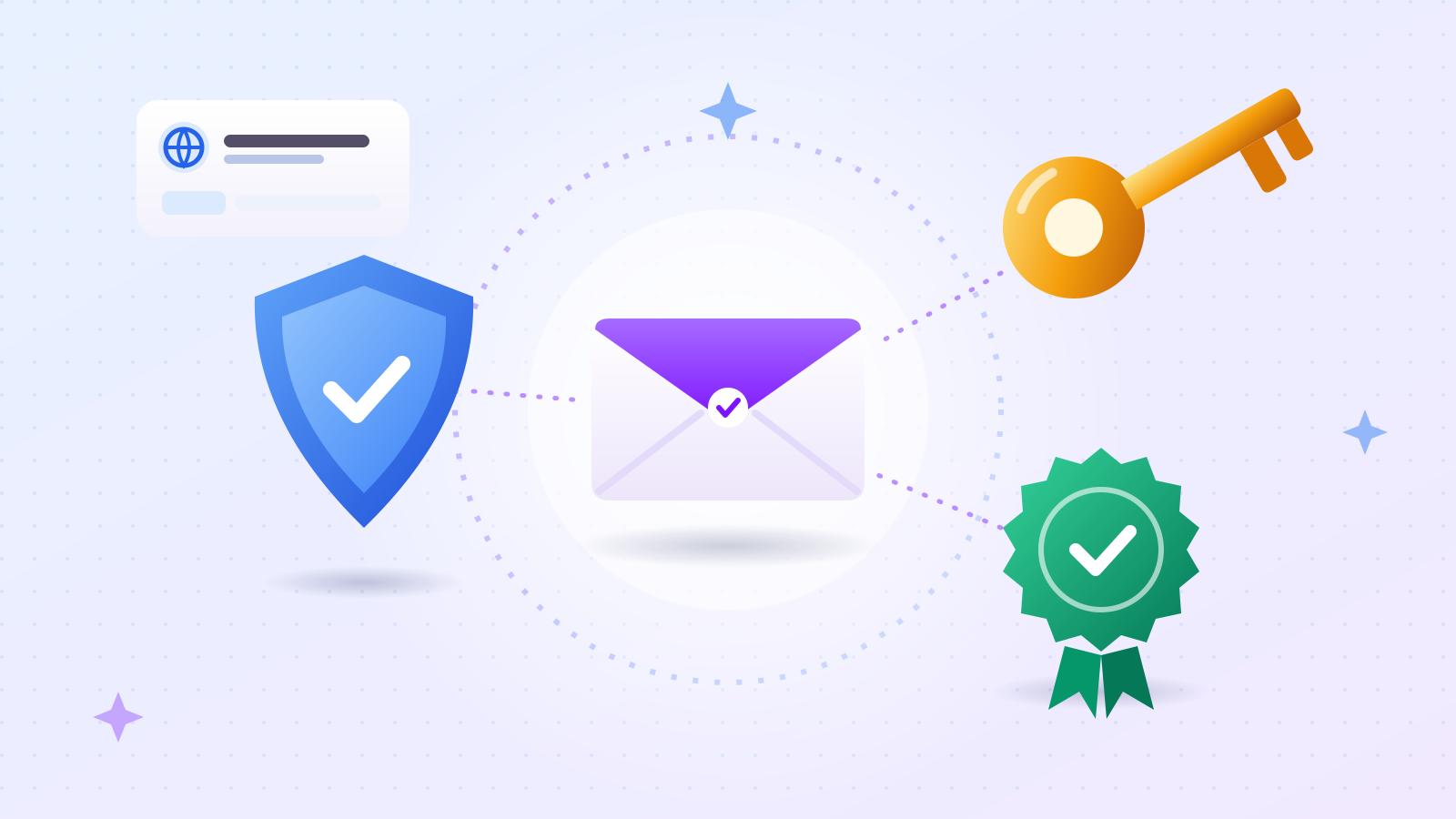
Authentication on your sending domain — before volume, timing, or copy. If a receiving server can't verify that a message really comes from your domain, content won't save it.
Three DNS records do this work:
- SPF lists which servers may send mail for your domain.
- DKIM adds a signature proving the message wasn't altered in transit.
- DMARC tells receivers what to do when SPF or DKIM checks fail, and ties them to your From: domain.
All three are TXT records you add wherever your domain's DNS is managed. Check their current state with our free sender domain checker. If you send from a plain @gmail.com address, Google handles this for you.
The second thing to fix is your list. Sending to addresses that don't exist produces bounces. When bounces pile up, mailbox providers read it as a sender who doesn't keep a clean list, and your mail to valid addresses can end up in spam too. Before sending, you can check an address with our free email address checker, which asks the recipient's mail server without sending anything. More on that in how to check whether an email address exists.
Third: make unsubscribing easy. If people can't find a way out, they use the spam button instead — and the spam rate is exactly the number that gets senders limited.
The short version
- The only spam threshold Google and Yahoo publish is a spam complaint rate under 0.3% (Google recommends under 0.1%).
- Going over 500 emails a day on Gmail pauses sending for 1 to 24 hours. It isn't an account ban.
- Sending 5,000+ messages a day to Gmail makes you a bulk sender permanently, with DMARC and one-click unsubscribe required.
- There is no official "safe" daily cold email volume. Sudden spikes are what look unusual.
- Fix SPF, DKIM, and DMARC first, then clean your list, then make unsubscribing easy.
Outreach adds your sender details and an unsubscribe link to the bottom of each email and paces sending automatically. To build the list itself, see how to collect B2B contact data automatically. For cold email wording you can adapt, see B2B cold email templates.