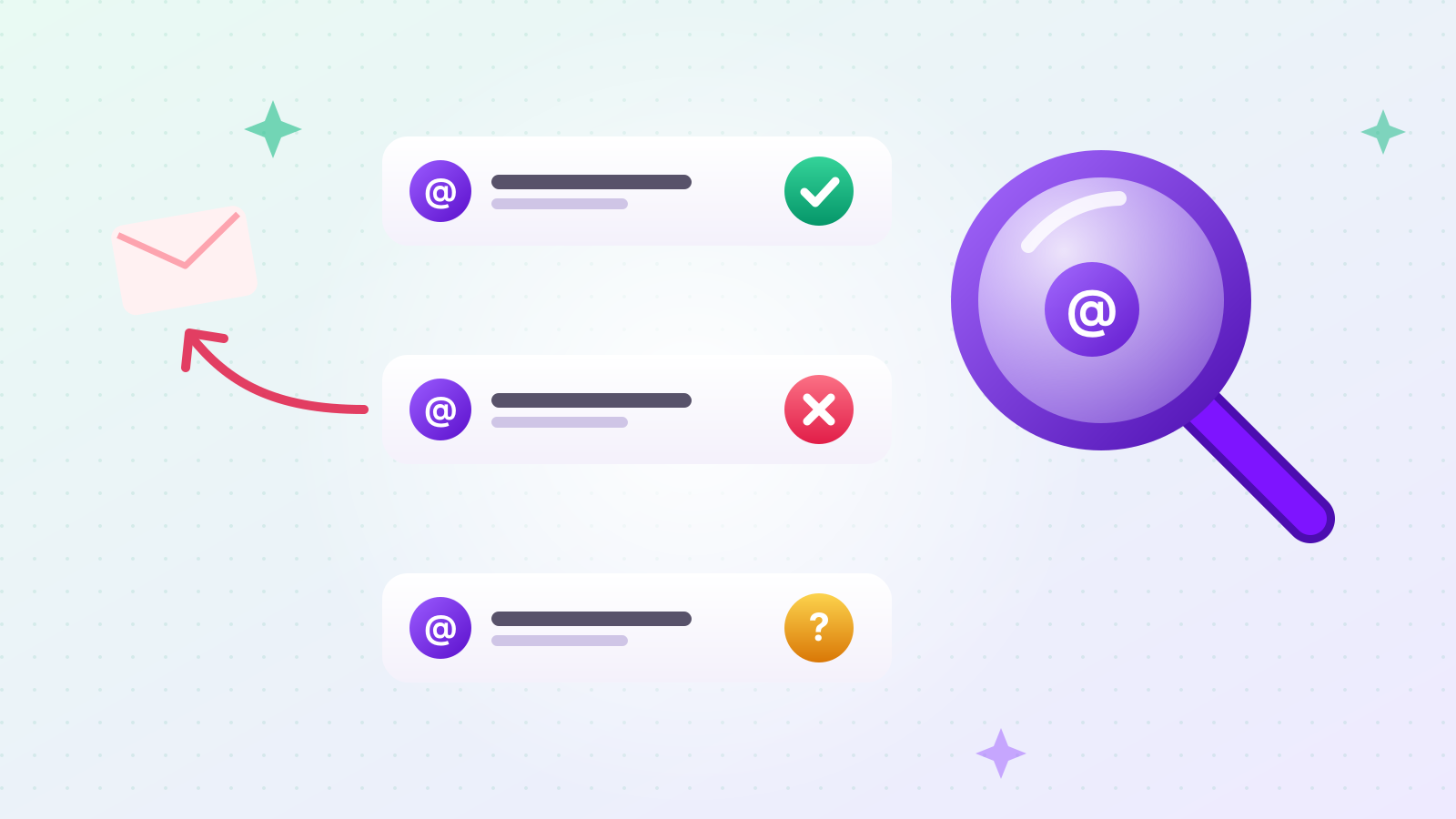
A bounced email tells you something you could often have learned before sending: that the address doesn't exist. For cold outreach, where addresses come from websites, directories and business cards rather than sign-up forms, some share of any list will be out of date.
This guide is for anyone about to email a list they didn't build through opt-in — sales teams, founders, agencies. We (Outreach) explain the three checks that tell you whether an address can receive mail, where those checks stop working, and how to read the bounce codes you get when a message fails anyway.
The short answer up front: you can usually confirm that an address exists without sending it an email, but not always — and knowing when you can't know is as useful as the answer itself.
Why should you verify email addresses before sending?
Because mailbox providers ask senders to remove invalid addresses, and every bounce is a message that reached nobody. Yahoo's Sender Hub best practices say: "Remove invalid recipients from your list promptly." Google's email sender guidelines say to "Automatically unsubscribe recipients who have multiple bounced messages," and, "If messages start bouncing or start being deferred, reduce the sending volume until the SMTP error rate decreases."
Put simply: providers watch how you handle bad addresses. Checking before you send means fewer bounces to handle afterward, and a cleaner picture of how many real people your campaign reached.
What are the steps to verify an email address?
Three checks, in order: is the address well-formed, does its domain have a mail server, and does that server say the mailbox exists? Each step catches problems the previous one can't.
| Step | What it checks | What it catches |
|---|---|---|
| 1. Syntax | The address follows email format rules | Typos, missing @, invalid characters |
| 2. MX lookup | The domain publishes a mail server in DNS | Dead domains, domains that accept no mail |
| 3. SMTP mailbox check | The mail server accepts that specific recipient | Mailboxes that don't exist or were closed |
A pass at step 3 is the strongest signal you can get without sending. But as we'll see, some servers give the same answer for every address, real or not.
How do you check email syntax?
Confirm there's exactly one @, a valid-looking part before it, and a real domain after it — within the length limits in the SMTP standard. RFC 5321 sets "The maximum total length of a user name or other local-part" (the part before @) at 64 octets, and the maximum domain length at 255 octets.
Syntax checks catch the obvious: sales@@example.com, info@example, a trailing space copied from a web page, or a comma typed instead of a dot. They're cheap and instant, so always run them first. What they can't tell you is whether anyone is behind the address. jane.doe@example.com is perfectly formed whether or not Jane works there.
How does an MX lookup work?
It asks DNS which server receives mail for the domain; if there isn't one, no address at that domain can receive email. The MX (mail exchanger) record points to the server that accepts mail for a domain. Looking it up tells you whether the domain is set up to receive email at all.
Three outcomes, according to the standards:
- MX records found. The domain has a mail server — go on to step 3.
- The domain doesn't exist. RFC 5321 says "If a non-existent domain error is returned, this situation MUST be reported as an error." The address is dead.
- No MX record, but the domain exists. RFC 5321 says the address "is treated as if it was associated with an implicit MX" — mail goes to the domain's own address record. So a missing MX isn't automatically a dead end.
There's also an explicit "we accept no mail" signal. RFC 7505 defines a "null MX" — a single MX record with preference 0 and a "." as the server name — which "will cause all mail delivery attempts to a domain to fail immediately." If you see it, stop: the domain has declared that it doesn't receive email.
How does an SMTP mailbox check work without sending an email?
The checker connects to the domain's mail server and starts a delivery, names the recipient, reads the server's reply, and then disconnects before sending any message content. In SMTP terms: connect, EHLO, MAIL FROM, RCPT TO:<address>, read the reply code, then QUIT — the DATA step, where the actual message would go, never happens.
The reply to RCPT TO is what matters. RFC 5321 defines the codes:
| Reply | RFC 5321 meaning | What it usually tells you |
|---|---|---|
| 250 | Requested mail action okay, completed | Server accepts this recipient |
| 550 | "Requested action not taken: mailbox unavailable (e.g., mailbox not found, no access, or command rejected for policy reasons)" | Often "no such mailbox" — but read the text, it can also be a policy refusal |
| 553 | "mailbox name not allowed (e.g., mailbox syntax incorrect)" | Address format rejected |
| 450 | "mailbox unavailable (e.g., mailbox busy or temporarily blocked for policy reasons)" | Temporary — try later |
| 452 | "insufficient system storage" | Temporary |
Why not just ask the server directly with the VRFY command? Because servers are allowed to turn it off. RFC 5321 section 7.3 allows sites to disable VRFY for security reasons, and says a server that does so "MUST return a 252 response" — a reply meaning neither yes nor no. That's why checkers use the RCPT TO route instead.
In our own testing in September 2026, the RCPT method correctly identified all 6 addresses in a small known set: 3 addresses we knew had bounced, 2 working addresses, and 1 on a catch-all domain that we correctly marked as unconfirmable.
What is a catch-all domain, and why can't it be verified?
A catch-all domain accepts mail for any address — real or invented — so its server answers "250 OK" for every recipient, and a pre-send check learns nothing. Some companies configure their mail this way so that misspelled addresses still reach someone. Others use gateways that accept everything first and sort it out afterward.
You detect a catch-all by asking the server about an address that almost certainly doesn't exist, such as a long random string at the same domain. If the server accepts that too, every "yes" from it is meaningless.
How common is it? In a September 2026 test, we (Outreach) sent RCPT checks with made-up addresses to 25 mail domains drawn from 200 business contacts we had collected (mostly Korean companies). About 74% of the domains answered honestly and rejected the fake address; about 25% accepted it — they were catch-all. Treat that as one sample of one market, not a universal rate. The point is that it's not rare.
For catch-all addresses, the honest result is "can't be verified." Sending is the only way to find out, and that's a judgment call: an address published on the company's own website is a better bet than one guessed from a name pattern.
Why do some mail servers refuse verification checks?
Some mail servers limit who may ask about recipients, so instead of answering they delay, temporarily reject, or drop the connection. Refusals typically look like:
- A temporary 4xx reply to every recipient, asking you to retry later.
- A 5xx reply that refers to policy or reputation rather than to the mailbox — for example an enhanced code of 5.7.1, which RFC 3463 describes as "Delivery not authorized, message refused."
- No answer at all, or a connection that's dropped.
None of these tells you whether the mailbox exists. A good verifier reports them as "unknown," not as "invalid" — marking a real address as dead because its server was cautious would throw away a good contact.
Some hosting providers also block outgoing connections on port 25, the SMTP port, which means a checker running there can't reach mail servers at all. Again, the right answer in that case is "can't verify," not "doesn't exist."
How do you read bounce codes after sending?
Look at the first digit of the enhanced status code: 5 means permanent, 4 means temporary. Then the middle digit says what kind of problem it is. RFC 3463 defines codes in the form class.subject.detail:
- 5.x.x — Permanent failure: "not likely to be resolved by resending the message in the current form."
- 4.x.x — Persistent transient failure: "sending in the future may be successful."
The codes you'll see most often when an address is the problem:
| Code | RFC 3463 name | What to do |
|---|---|---|
| 5.1.1 | Bad destination mailbox address — "The mailbox specified in the address does not exist" | Remove the address |
| 5.1.2 | Bad destination system address | Check the domain; remove if it's dead |
| 5.1.3 | Bad destination mailbox address syntax | Fix the typo or remove |
| 5.1.6 | Destination mailbox has moved, No forwarding address | Remove; look for a new contact |
| 5.2.1 / 4.2.1 | Mailbox disabled, not accepting messages | Remove if permanent (5), wait if temporary (4) |
| 4.2.2 | Mailbox full ("should be used as a persistent transient failure") | Try again later |
| 4.4.1 | No answer from host | Temporary — retry later |
| 4.4.7 | Delivery time expired | The message was too old to deliver; check the address and retry later |
| 5.7.1 | Delivery not authorized, message refused | Not an address problem — a policy or authentication issue |
That last row matters. A 5.7.x code usually means the receiving server refused you, not that the mailbox is missing. Check your SPF, DKIM and DMARC setup before deleting the contact.
How can you check a single address for free?
Enter it in our free email address checker; it runs the syntax, MX and mailbox checks and tells you one of three things. No sign-up is needed. The interface is currently in Korean, but you only need to paste an address. The result is one of:
- Deliverable — the mail server accepted the recipient.
- Doesn't exist — the address isn't well-formed, the domain has no mail server, or the server said there's no such mailbox.
- Can't be verified — the domain is catch-all, the server refused the check, or no check was possible. The tool tells you which reason applied.
To keep the tool from being used for bulk probing, it allows a limited number of checks per day. For a whole list, verify inside your sending workflow instead of one address at a time.
What should you do with addresses that can't be verified?
Keep them separate, send to them in smaller batches, and remove any that bounce with a 5.x.x code. A practical order:
- Drop anything that fails syntax or has no mail server.
- Remove addresses the server said don't exist.
- Send to confirmed addresses first.
- Send to "can't be verified" addresses more cautiously, and remove any that come back with a permanent bounce — as Yahoo and Google both advise.
Also remember that a valid address doesn't mean a willing recipient. Spam complaints count against you whether or not the address exists; we cover the numbers in why cold emails land in spam.
The short version
- Verify in three steps: syntax → MX lookup → SMTP mailbox check (RCPT, without sending content).
- The part before @ can be at most 64 characters (RFC 5321); a null MX means the domain takes no mail (RFC 7505).
- Catch-all domains accept every address — in our 25-domain test, about 25% did — so some addresses can only be marked "can't be verified."
- In bounces, 5.x.x is permanent and 4.x.x temporary; 5.1.1 means the mailbox doesn't exist; 5.7.x points to a policy problem, not a bad address.
- Try a single address with our free email checker.